
Free Printable Review Sign Templates
Counter cards, table tents, review cards, stickers and posters. Add your Google review QR code, name and colors, then print.
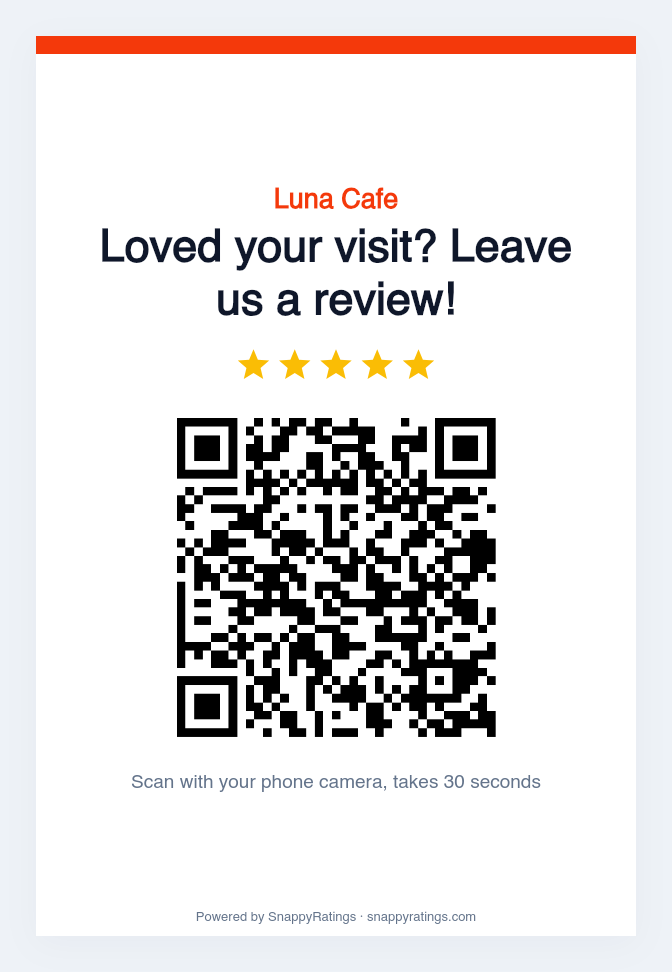
Review QR Counter Card
4 × 6 in · Best for checkout counters and front desks.
See the template →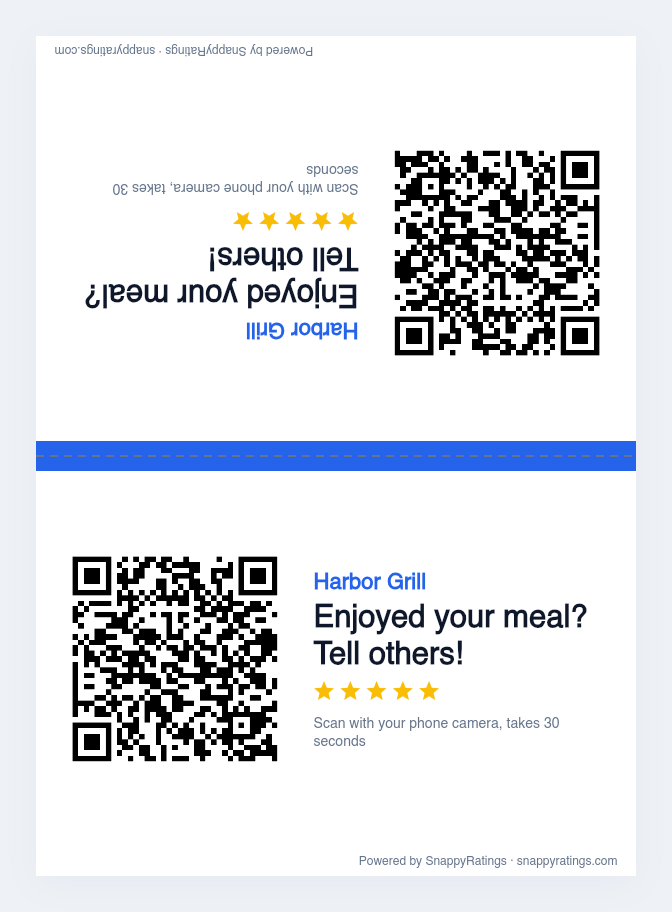
Review QR Table Tent
5 × 7 in, folds · Best for restaurant and cafe tables.
See the template →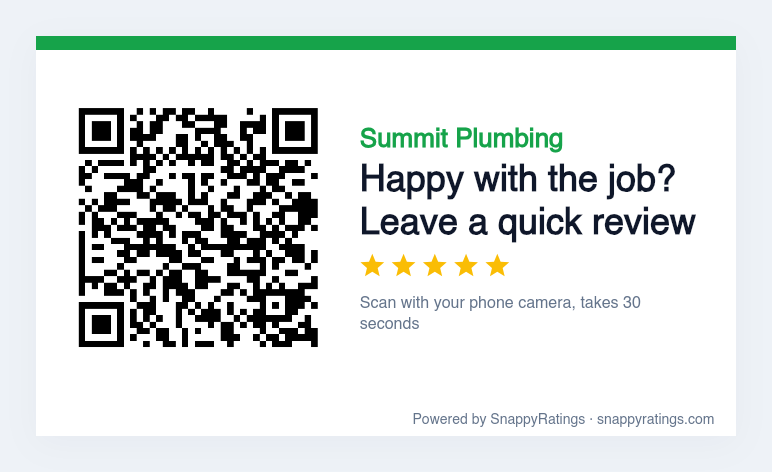
Review QR Business Cards
3.5 × 2 in, 10 per sheet · Best for home services and trades.
See the template →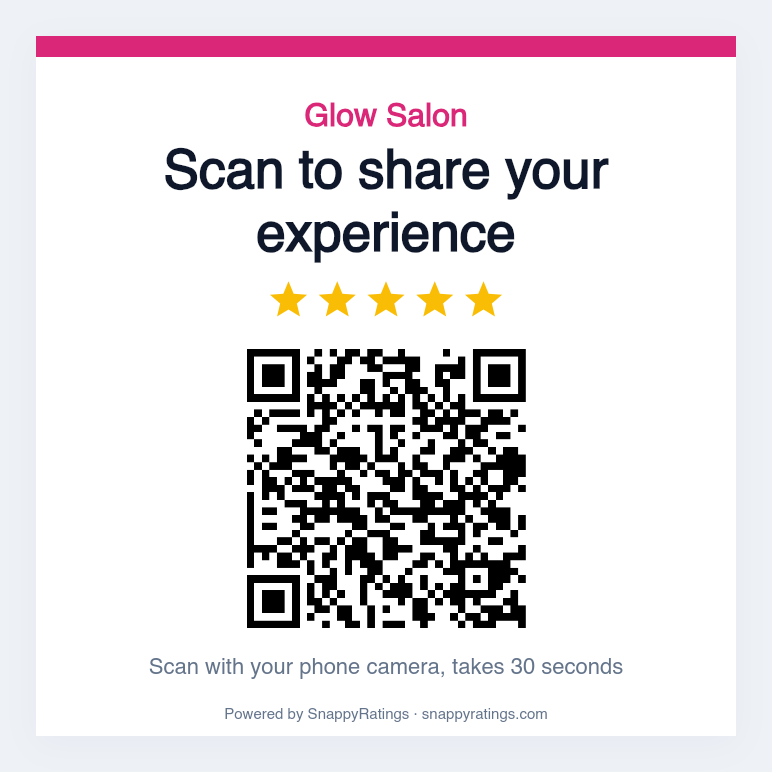
Review QR Window Sticker
4 × 4 in · Best for front doors and windows.
See the template →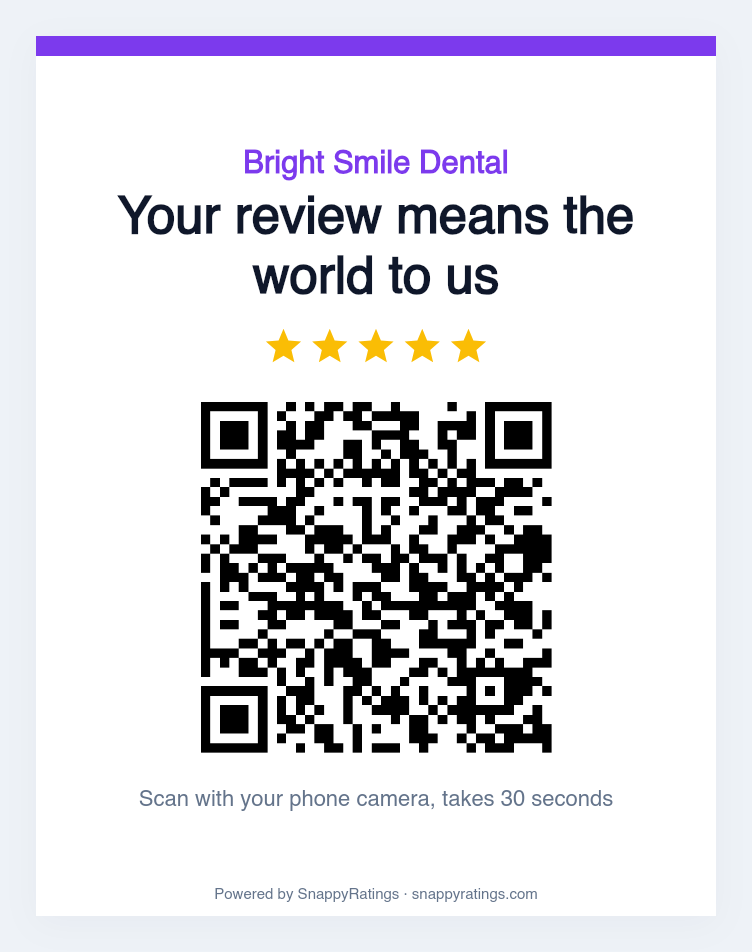
Review QR Poster
8.5 × 11 in · Best for waiting room walls.
See the template →Templates worded for your industry
The same templates with headlines and tips written for your kind of business.
See who scans your signs
SnappyRatings gives every sign a tracked QR code, counts the scans, and follows up with customers by text and email. Try it free for 21 days.
Start free 21-day trial, no card neededFrequently asked questions
Are these review sign templates really free?
Yes. Pick a template, add your Google review link, business name, logo and colors in the free sign maker, and download a print-ready PDF. No signup, no watermark on your QR code.
Can I print review signs at home?
Yes. Every template prints on a standard US letter sheet from a home or office printer. Use card stock for counter cards and table tents, and sticker paper for stickers.
Which review sign works best?
The one customers see at the right moment. For most shops that's a counter card by the register; restaurants do best with table tents; service businesses that visit customers do best with cards handed over at the end of the job.
Does the QR code on the sign expire?
No. The free sign's QR code points straight at your Google review page, so it works for as long as your Business Profile exists.
More free review tools
Ready to automate it? See how SnappyRatings works, pricing, or why Google reviews matter.
Comparing tools? SnappyRatings vs. Birdeye · vs. Podium · all comparisons
SnappyRatings is not affiliated with or endorsed by Google. “Google” is a trademark of Google LLC.