
Free Review QR Window Sticker Template
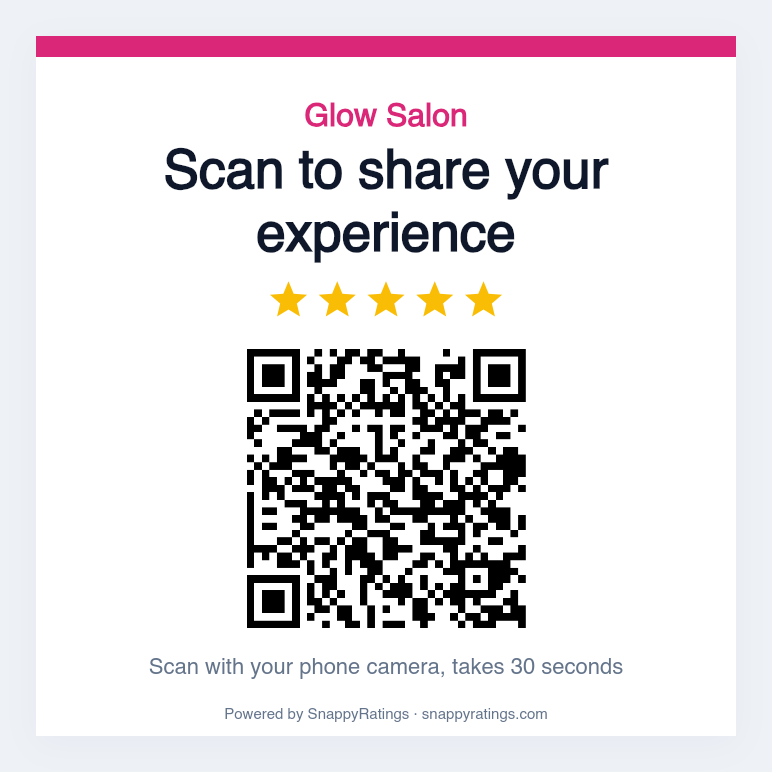
4 × 4 in. Add your Google review link, name and colors, then download a print-ready PDF. No signup.
Best for
- Front doors and windows
- Registers and POS stands
- Work vans and delivery bags
Printing and placement tips
- Print on full-sheet sticker paper and trim, or send the PDF to a print shop.
- For outward-facing windows, ask the printer for window cling.
- Put it at eye level on the inside of the door, facing out-going customers.
This template, worded for your industry
Other templates
Know which sign gets the scans
With SnappyRatings, each sign gets a tracked QR code, so you can see which spot works best, and customers get a follow-up by text and email. Try it free for 21 days.
Start free 21-day trial, no card neededA square 4 × 4 inch sticker for doors, windows, registers and vehicles. It's always on display, it doesn't take up counter space, and it works for customers on their way out the door, which is exactly when they're deciding how the visit went.
Frequently asked questions
What paper do I print a review sticker on?
Any full-sheet sticker paper for your printer works. For windows, print shops can turn the PDF into a window cling that sticks without glue.
Will the QR code scan through a window?
Usually yes, through clean, untinted glass. Test it with your own phone after you put it up.
More free review tools
Ready to automate it? See how SnappyRatings works, pricing, or why Google reviews matter.
Comparing tools? SnappyRatings vs. Birdeye · vs. Podium · all comparisons
SnappyRatings is not affiliated with or endorsed by Google. “Google” is a trademark of Google LLC.